
-
Features
-
Applications
-
Specifications
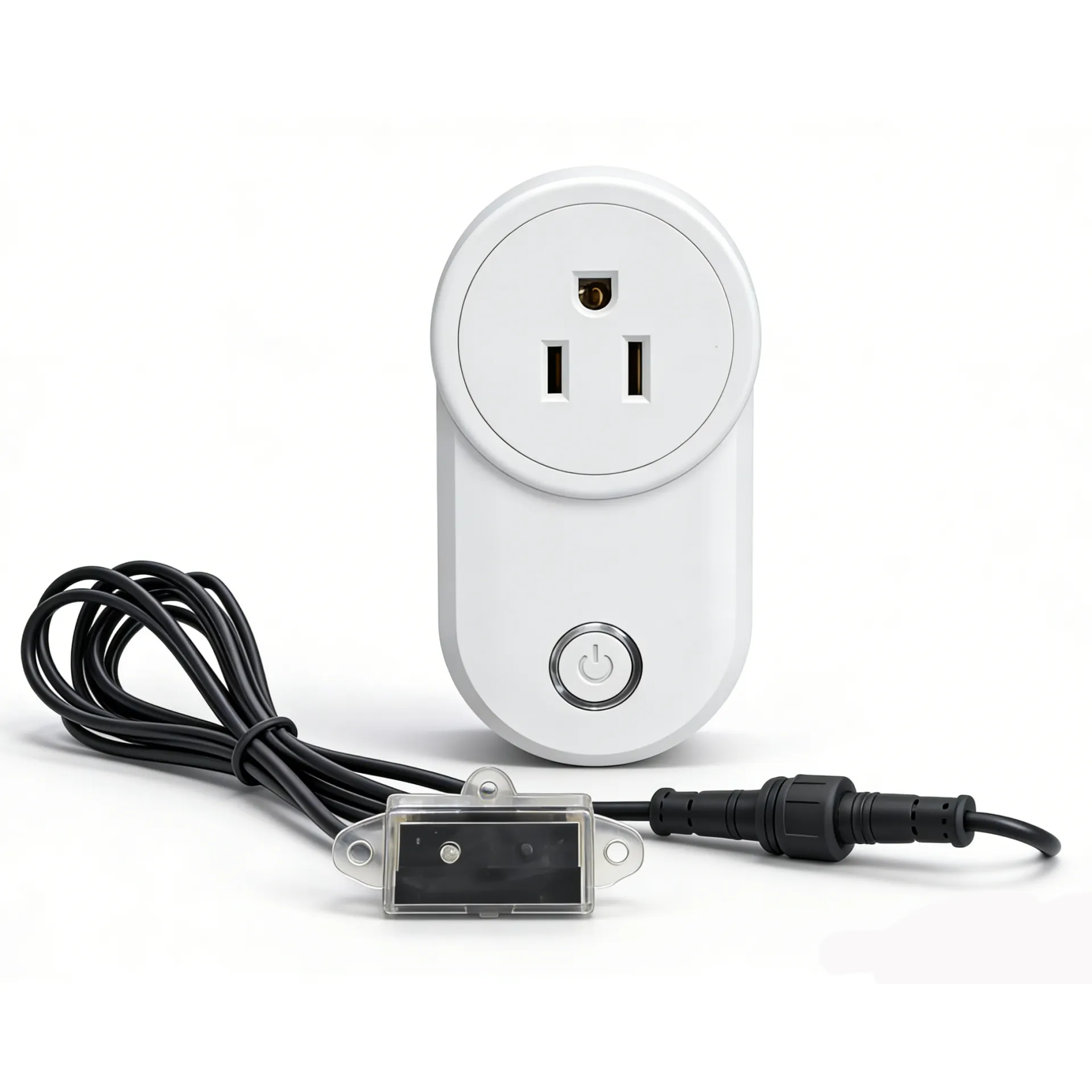
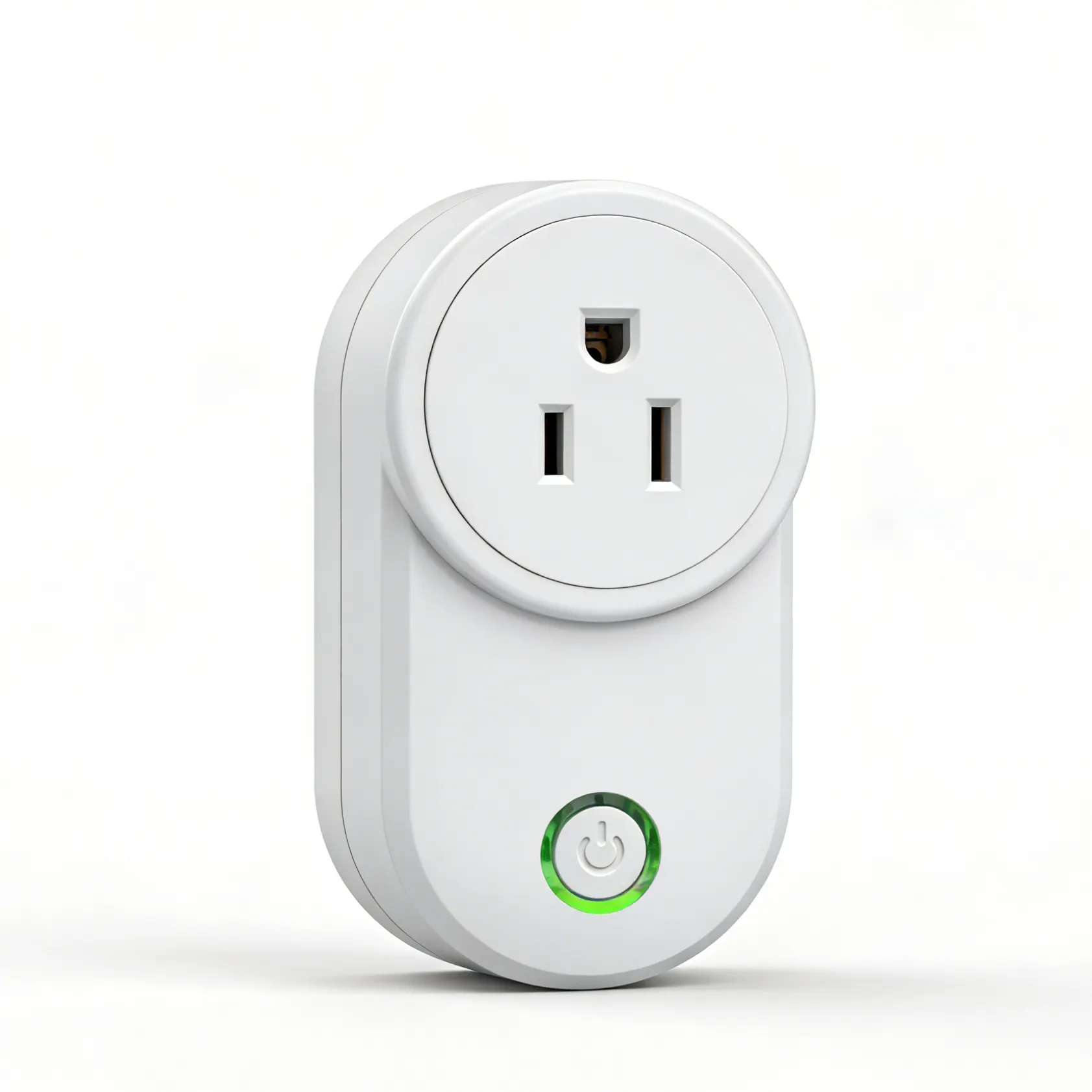
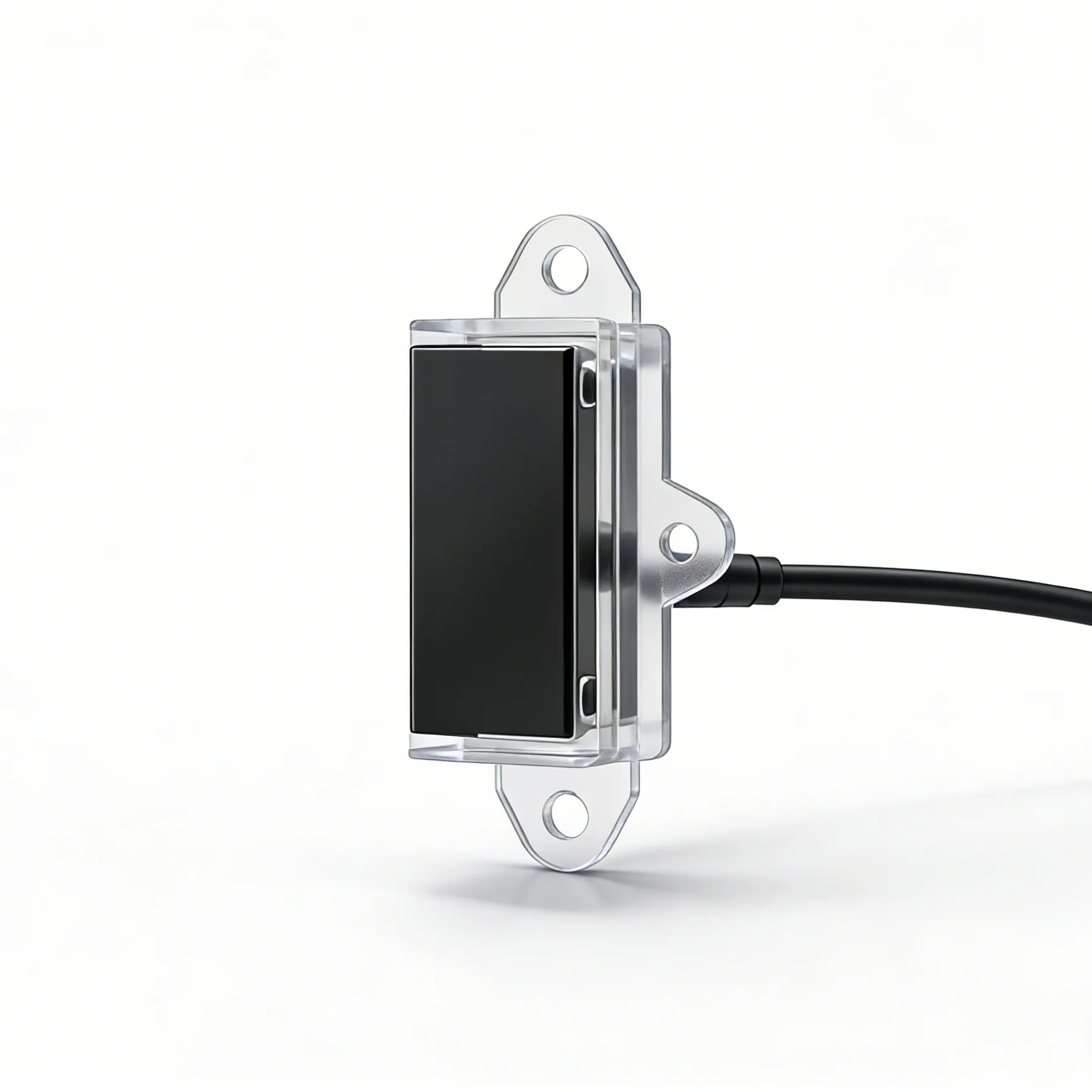
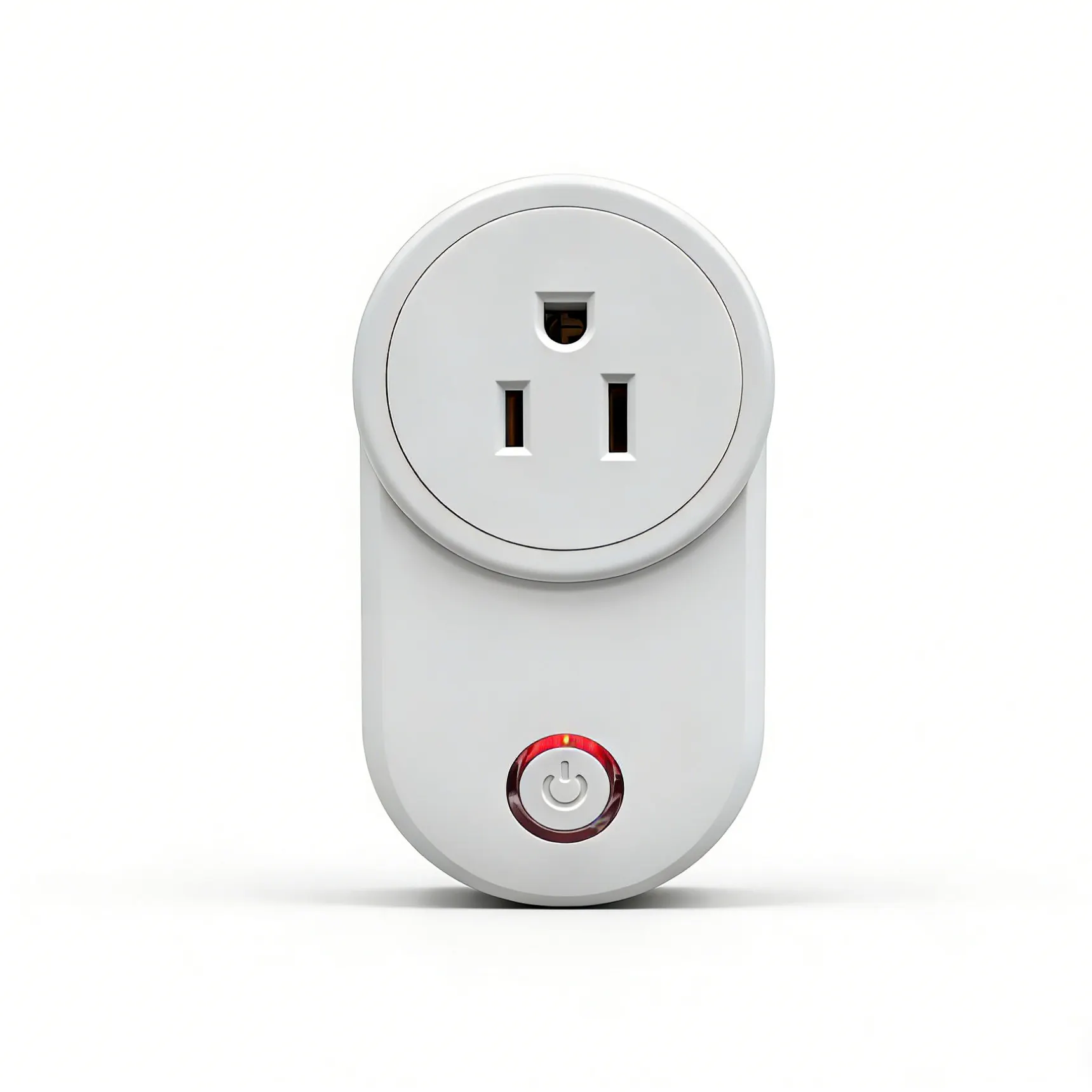
IR Proximity Sensor + WiFi Smart Outlet — Hands-Free Automation, Just Reach Out
Stop fumbling for switches. Stop wasting electricity. Just reach.
You know that feeling. Standing at the sink with soapy hands, needing to turn on the under-sink light. Opening a dark closet at 6 AM, squinting for the pull chain. Wandering into the laundry room at night, feeling along the wall for a switch that isn't there.
The HojellyTek IR Proximity Sensor + WiFi Smart Outlet changes that.
Mount the sensor where you need it — inside a cabinet, under a sink, beside the bed. Plug your lamp, LED strip, or small appliance into the smart outlet. Then just reach. When your hand comes within 5–7 cm of the sensor, the power turns on. Move away, and it turns off after a few seconds.
No voice commands. No phone app needed (though you can use it if you want). Just simple, reliable, hands‑free control for the places that matter most.
Features
Why This Isn't a Normal Motion Sensor
Most motion sensors detect you from across the room — 5 meters away, 120° field of view. That's great for hallways and security systems. But in a cramped cabinet? Under a sink? Beside the bed at 2 AM? They trigger too early, or not at all, or wake up your partner when you don't need them to.
The Ceshhome IR sensor is different. Its detection range is intentionally short — just 5 to 7 centimeters (about 2–3 inches) . It only activates when you're right there, reaching for it.
Why short range works better for small spaces:
No false triggers — Walking past the cabinet won't turn the light on
No unwanted illumination — Only lights up exactly when you need it
Privacy where it matters — In bedrooms, the sensor only responds when you're close
Battery‑sipping efficiency — The sensor itself draws minimal power, and paired with the smart outlet, your lights and devices stay off 99% of the time
How It Works
Step 1: Mount the sensor
Install the IR proximity sensor wherever you want hands‑free control — inside a cabinet door, under a sink, beside a bed, above a workbench, or at the edge of a closet shelf. The sensor is compact and mounts easily with included adhesive or screws.
Step 2: Plug in the smart outlet
Connect the WiFi smart outlet to your home's 2.4GHz network and plug it into any standard wall socket. Then plug your lamp, LED strip, fan, or other device into the outlet.
Step 3: Set up the automation
Using the Tuya Smart or Smart Life app, create a simple automation rule: "When the IR sensor detects proximity, turn on the smart outlet." Set the outlet to turn off automatically after 30 seconds (or your preferred delay) when the sensor stops detecting you.
Step 4: Reach. That's it.
Once configured, you never need to open the app again. Just reach toward the sensor — the light or device turns on. Move away — it turns off. That's hands‑free automation at its simplest.
Key Features
IR Proximity Sensor
Detection range: 5–7 cm (approx. 2–3 inches)
Compact, discreet design
Easy mounting with included adhesive or screws
Low standby power consumption
Works reliably through thin cabinet doors (if mounted inside) or directly in open spaces
WiFi Smart Outlet
2.4GHz WiFi connection (works with Tuya Smart / Smart Life app)
10A/2200W max load — handles lamps, LED strips, fans, small heaters, and most household devices
Manual override button on the outlet
No hub required — connects directly to your home WiFi
Smart App Features (Optional)
Set custom on/off delays
View power consumption (on compatible models)
Schedule on/off times
Create multiple automation scenes
Monitor device status remotely
